
Most founders hit the same wall. You have a clear idea in your head — a pitch deck for an investor meeting, a prototype to show a client, a landing page for a new offer — but turning that into something visual takes days you don’t have and a designer you can’t always afford on short notice.
Anthropic launched Claude Design on April 17, 2026, to close exactly that gap. It’s a visual workspace powered by Claude Opus 4.7 that lets you describe what you want in plain English and get a working visual back — prototype, slide deck, one-pager, landing page — without touching a design tool or writing a line of HTML.
This guide covers what Claude Design does, how to use it step by step, and which tasks it handles well enough that you can stop waiting on a designer for first drafts.
What Is Claude Design?
Claude Design is an experimental product from Anthropic Labs, available in research preview to Claude Pro ($20/month), Max, Team, and Enterprise subscribers.
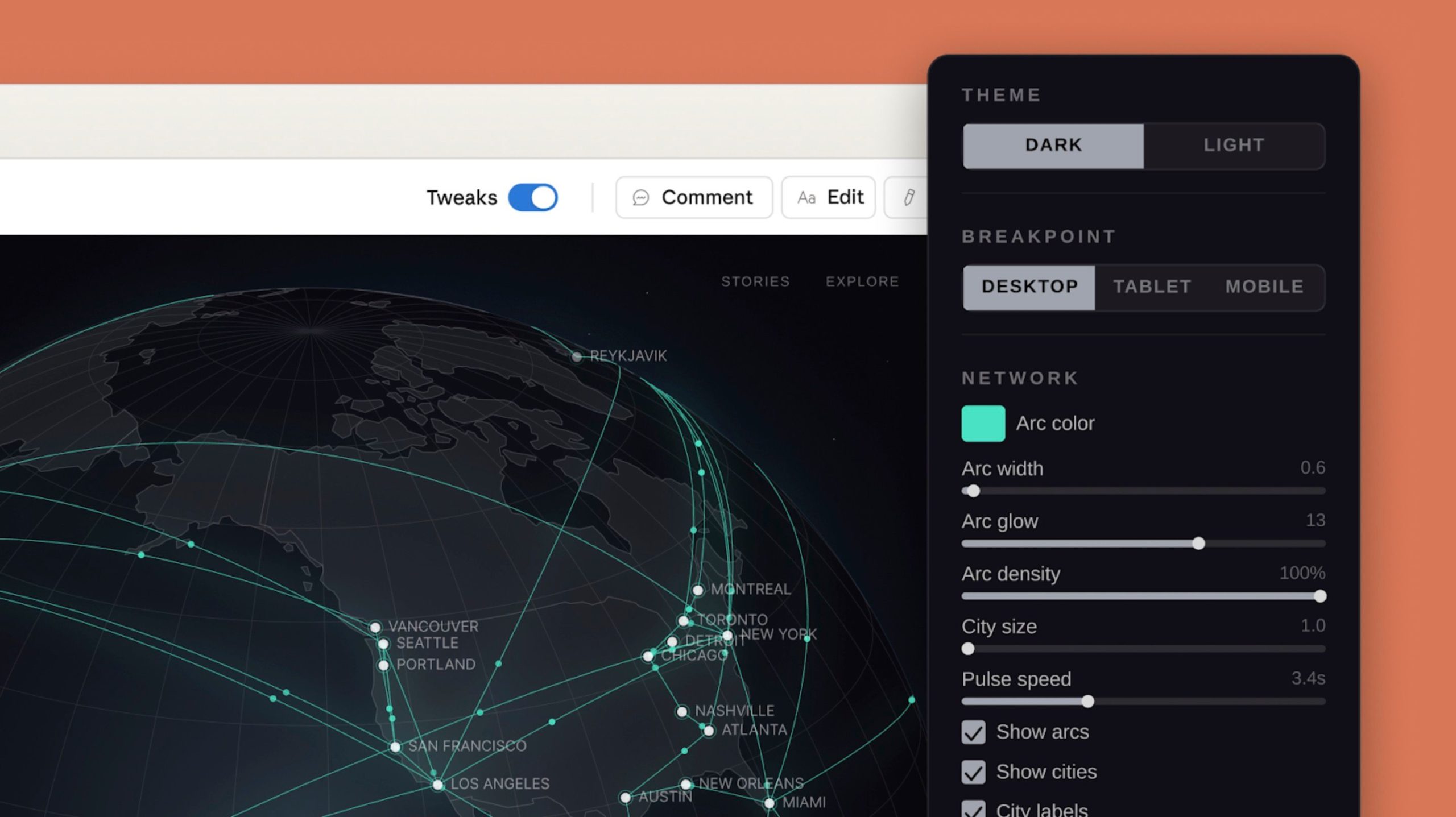
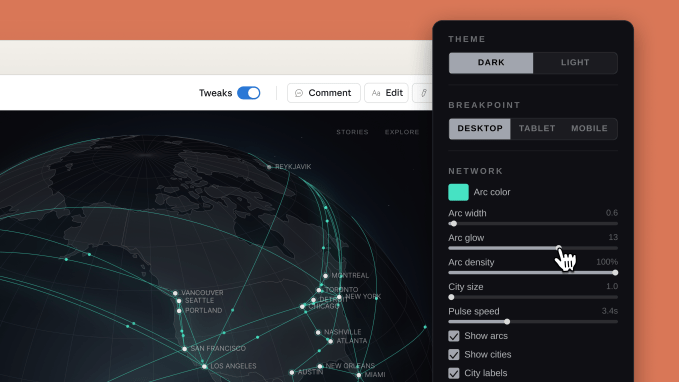
Unlike Canva, which starts from templates, or Figma, which centres around component systems and vectors, Claude Design is conversation-driven. You describe what you want, Claude renders a working version in a live preview panel, and you refine it by chatting — commenting inline on specific elements, editing text directly, or using adjustment sliders to tweak spacing, colour, and layout live.
The engine underneath is Claude Opus 4.7, Anthropic’s most capable vision model. That matters because Claude isn’t generating a generic template — it reads your actual brand assets, design files, or codebase during onboarding and builds a design system from them. Every output it creates after that automatically uses your colours, typography, and components.
How to Get Started
Claude Design is inside your Claude account — no separate download or signup needed if you’re on Pro, Max, Team, or Enterprise.
Step 1 — Start a new Design project
From your Claude dashboard, open Claude Design and create a new project. On first use, it walks you through a short onboarding: point it at your codebase, upload your brand kit, or paste in a design file. Claude reads these and builds your design system automatically. If you skip this step, it will still work — your output just won’t be brand-matched.
Step 2 — Describe what you want
Type what you need. Be specific: instead of “make me a pitch deck,” try “create a 6-slide investor pitch deck for a B2B SaaS tool that automates invoice reminders. Slide 1: problem. Slide 2: solution. Slide 3: market size. Slide 4: product. Slide 5: traction. Slide 6: ask.”
Claude generates a first version and renders it immediately in the preview panel.
Step 3 — Refine through chat
This is where it gets fast. You can:
- Type instructions: “Make the headline bigger and change the background to dark navy”
- Click directly on any element and comment on it inline
- Use adjustment sliders Claude generates for spacing, layout weight, and colour temperature
Ask Claude to apply a change to one slide and then mirror it across the whole deck. It handles that in one instruction.
Step 4 — Export or hand off
When you’re done, export as PDF, PPTX, a shareable URL, or send straight to Canva where the design becomes fully editable and collaborative. If you need the design built into a real product, you can hand it off directly to Claude Code — Claude packages it into a bundle that Claude Code can implement without a developer rebuilding from a screenshot.
Three Tasks It’s Genuinely Good For
1. Pitch decks
Going from a rough outline to a complete, on-brand deck takes minutes, not days. Give Claude your structure in plain text and it builds the slide layout, picks a visual hierarchy, and applies your brand. Export as PPTX and you’re done — or send to Canva if your team needs to edit it collaboratively.
2. Prototype landing pages
Describe your offer and target audience. Claude builds a working HTML landing page with headline, subheadline, feature blocks, and a CTA. Use the web capture tool to point it at your existing site first — it pulls your visual style so the prototype looks like your actual product, not a generic mockup.
3. One-pagers and proposals
Service businesses spend hours formatting proposals in Word or Google Docs. Claude Design can turn a bullet-point brief into a structured, visually clean one-pager you can send to a client the same day.
Where It Sits Alongside Figma and Canva
Claude Design doesn’t replace either tool — it fills a different gap.
Figma is still the right choice for production UI/UX work: collaborative component systems, developer handoff, version history, and precise vector work. At $15 per editor per month, it’s built for design teams doing the final, shippable version.
Canva (Pro at $15/month) remains the fastest path to polished marketing collateral: social graphics, branded templates, print assets, brand kit management.
Claude Design sits before both of those. It’s for getting to “good enough to review” — a pitch deck to show an investor tomorrow, a prototype to validate a product idea before you spend design hours on it, a landing page draft your team can react to. It’s bundled into Claude Pro at $20/month, so if you’re already paying for Claude, you already have it.
How AppCoders Can Help
If you run a small business and want to build workflows like this — where AI handles the first draft of every deliverable — that’s exactly what we set up for clients at AppCoders. We automate the repetitive output work so you can spend your time on decisions, not production.
Conclusion
Claude Design is still in research preview, which means it will improve. But even at this stage, it removes the bottleneck that slows most founders down: getting from a rough idea to something visual that other people can react to. If you’re on Claude Pro, it’s already included. Open it, give it a real brief, and see how far you get before your next meeting.
If you’d like help building AI workflows that save your team 20+ hours a month, book a free call.